How to Relist Your Items on Vinted (and Get More Views)

Zenja
10 June 2025
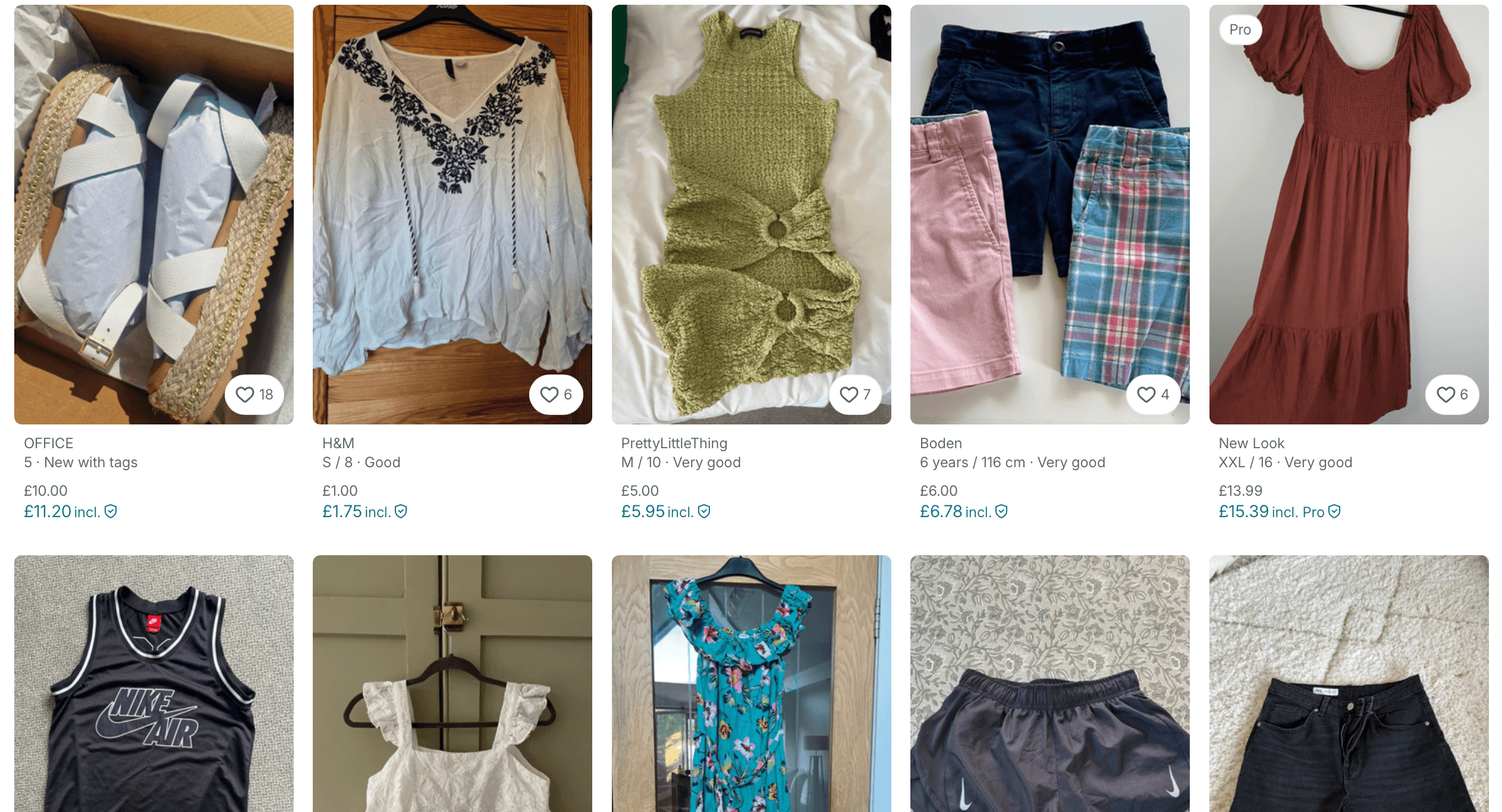
How to Relist Your Items on Vinted
Vinted is one of Europe’s largest second-hand marketplaces. And second-hand has a big market share in european clothing market. %16 of all clothes sold in France are second-hand for ages between 18-35. Millions of sustainable-fashion lovers use Vinted to buy and sell preloved clothing. But with so many listings, your items can easily get buried if they’re not fresh. Vinted’s search algorithm heavily favors new or recently updated listings. SEO experts even summarize the rule as “Relevance + Recency = Results”. In practice, that means fresh listings get more views and older ones sink to the bottom.
As a result, regularly deleting and reposting your stale items can dramatically improve your visibility. Each time you relist an item, it jumps to the top of Vinted’s search results, giving it a new burst of exposure. In other words, relisting is a free way to bump your item to the top – no paid promotion needed.
How to Relist a Vinted Listing
Manually relisting on Vinted is straightforward but requires a few steps. Here’s a simple process to follow:
- Copy your listing details. Write down or save the title, description, size, price, and any details or tags. You’ll reuse these in the new listing.
- Delete the old listing. Remove the item from your closet so you can post it again.
- Create a brand-new listing. Start a fresh post using your saved details. Paste in your title and description, select the same size and condition, and set your price.
When you repost, upload fresh photos (either new shots or lightly edited versions of the originals). Vinted’s system flags duplicate images, so using the exact same pictures can get your listing rejected. One experienced seller warns that Vinted “scans for duplicates,” so if you use the same pics again, you wont get views even if you relist. To stay safe, retake your photos or slightly edit them (for example, adding a small watermark or cropping). This ensures Vinted treats the images as new.
You can also use the relisting moment to refresh your listing text. Experiment with different keywords, refine your title (include brand and style words), or adjust the price to attract buyers. These updates, combined with the relist, remind both the algorithm and potential shoppers that your item is available. For example, check what other big sellers are doing with their listings. You can find a lot of inspiration on Vinted as well.
Timing and Visibility Tips
So, when should you relist? A good rule of thumb is to refresh any listing that hasn’t sold after a few weeks or a couple of months. Also think seasonal: put your summer dresses back in May, or relist winter coats in autumn, to coincide with what buyers are searching for. This way, your items appear right when demand is high.
Timing of day can matter too. Evenings and weekends generally see the most activity, as people browse Vinted after work or during their free time. Some sellers even find that posting around payday (end of the month) gets more eyes, since many shoppers have extra budget. You can simply check google trends to see when the most people are online. Just search for "vinted" and see the trend on your target country.
Vinted also offers paid promotion options. For example, Bump (a paid feature) temporarily places your item at the top of search results. Even so, relisting is a natural bump – it makes your listing appear brand-new and relevant without spending extra.
Easy Relist: A Handy Free Extension developed by us at Zenja
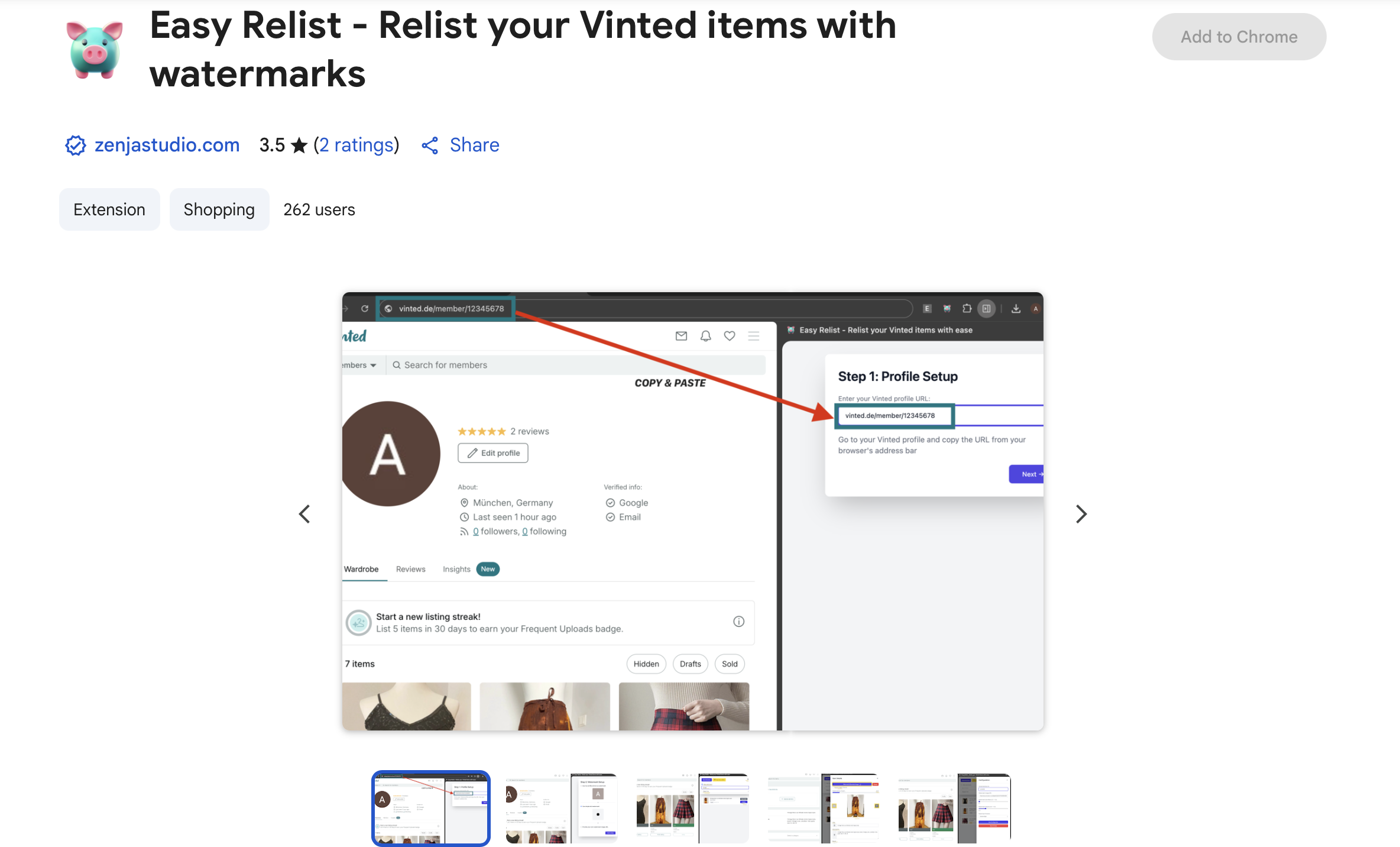
Relisting every few weeks can feel like busywork, especially if you have a lot of items. A helpful tool is the Easy Relist Chrome extension. It’s a free companion that simplifies the manual process. Easy Relist adds a sidebar on Vinted where you can view all your active listings in one place. With a click, you can copy each listing’s title, description, price, and more. It even lets you create custom watermarks on your photos so Vinted treats them as new. This way, you save time and avoid the hassle of manual duplication for each item.
By relisting often and using these tips, you’ll keep your Vinted closet active and increase your chances of selling. Remember: in the second-hand marketplace, staying current is part of the game. Happy selling – your preloved treasures deserve a second life!

So, TLDR; relisting is a great way to keep your Vinted closet active and increase your chances of selling. And there are small things you can do to make your relisting more effective.
-
Check what other big sellers are doing with their listings. You can find a lot of inspiration on Vinted as well.
-
Always update your images. Do not reuse them. Slightly edit them or even better, take new ones.
-
Update your listing text. Use different keywords, refine your title (include brand and style words), or adjust the price to attract buyers.
-
Check the timing of day. Evenings and weekends generally see the most activity, as people browse Vinted after work or during their free time. Check google trends to see when the most people are online. Just search for "vinted" and see the trend on your target country.
-
Always try to fill out all the fields in your listing. This will help you to get more views and increase your chances of selling.
-
You can also use the Easy Relist a Free Chrome extension to relist your items manually. It really saves time and effort.
And lastly, dont forget to have fun and enjoy the process. Selling second-hand is a great way to reduce waste and make some extra cash. Most people on Vinted are for the Environment and for the second-hand usage.
Sources: